Generate hundreds of ID cards from a spreadsheet
Design tools let you make one card. StencilID makes thousands. Upload a CSV, drop in a folder of photos matched by filename (no image hosting), and get a personalised ID card, badge or certificate for every row, laid out front and back in one print-ready PDF. No design skills, no copy-paste.
Photos matched by filename • Duplex front & back • Print-ready A4 PDF with cut lines
One tool for every card
Each document type comes at the correct print size, so what you design is exactly what prints.
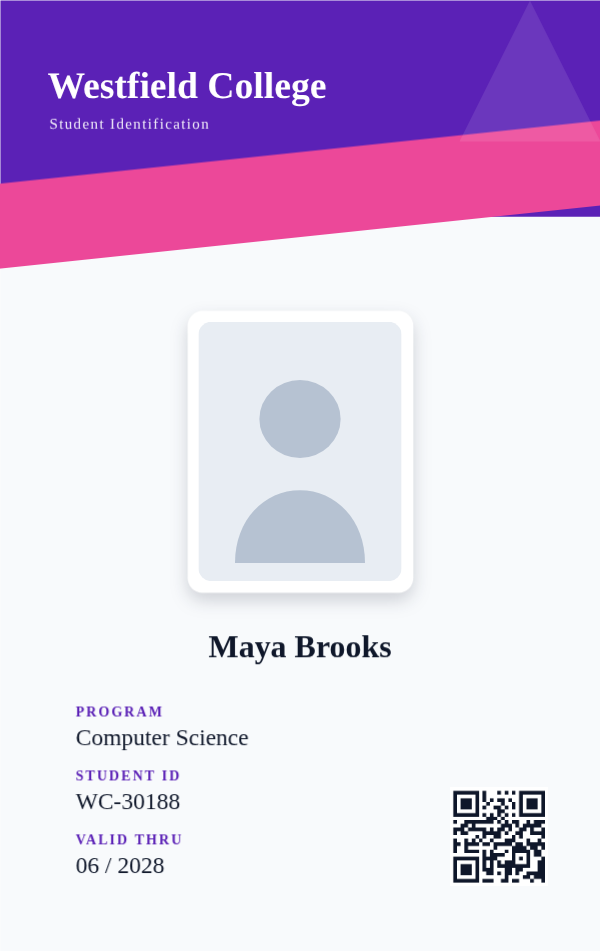
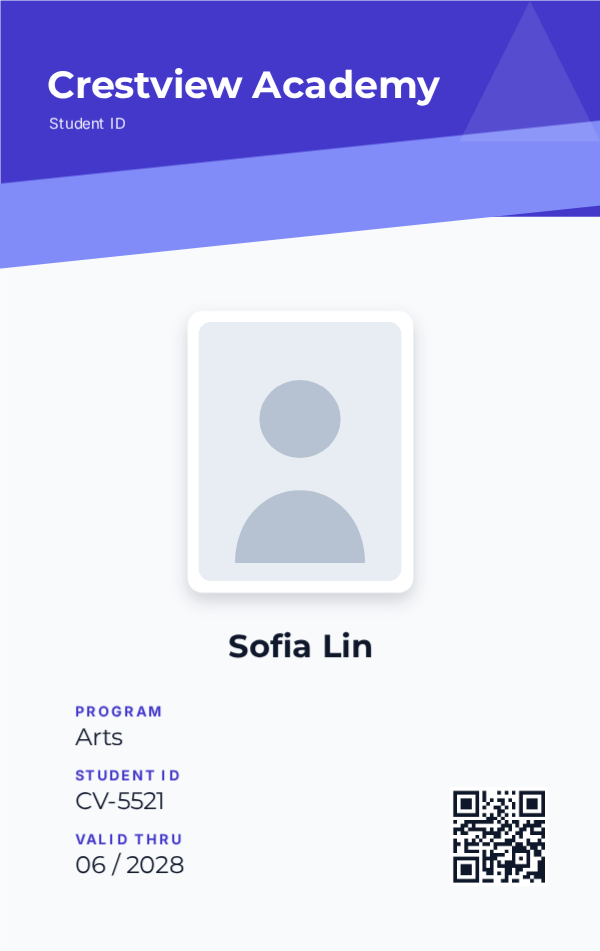
ID Cards
Student and staff IDs at standard CR80 size, ready for any card printer.
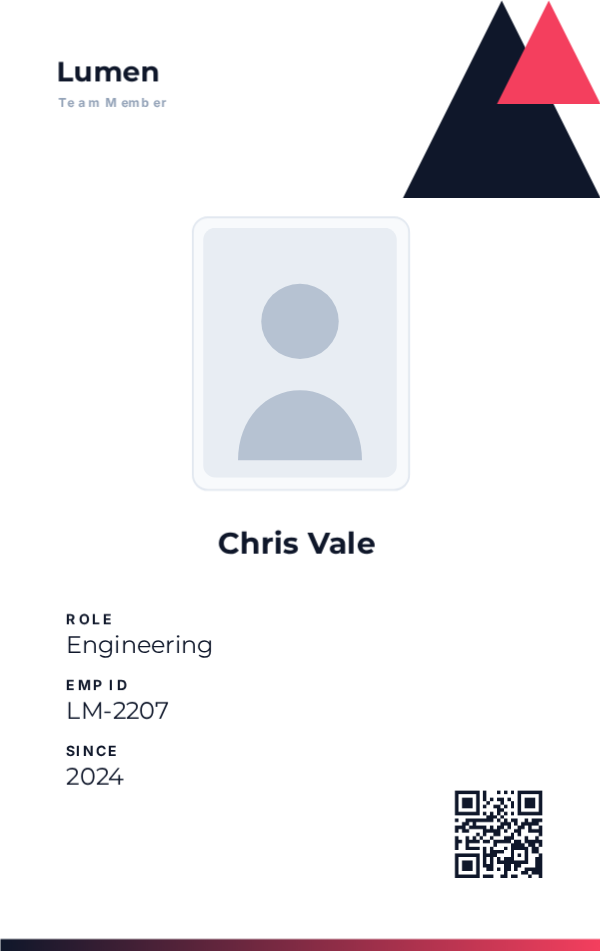
Staff Badges
Branded employee badges and lanyards with photos, roles and QR codes.
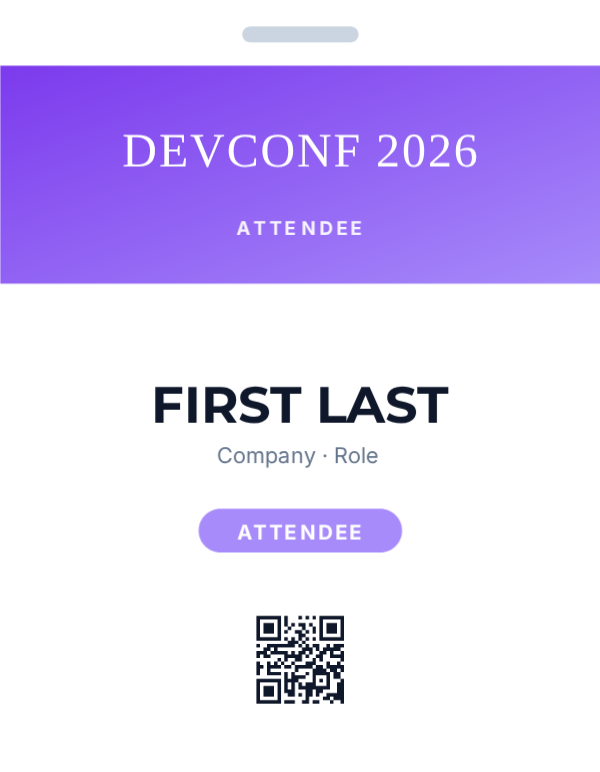
Event Passes
Conference badges and passes. Generate the whole attendee list in one go.
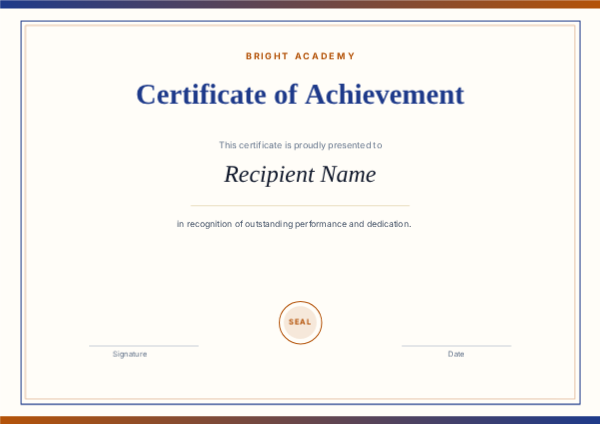
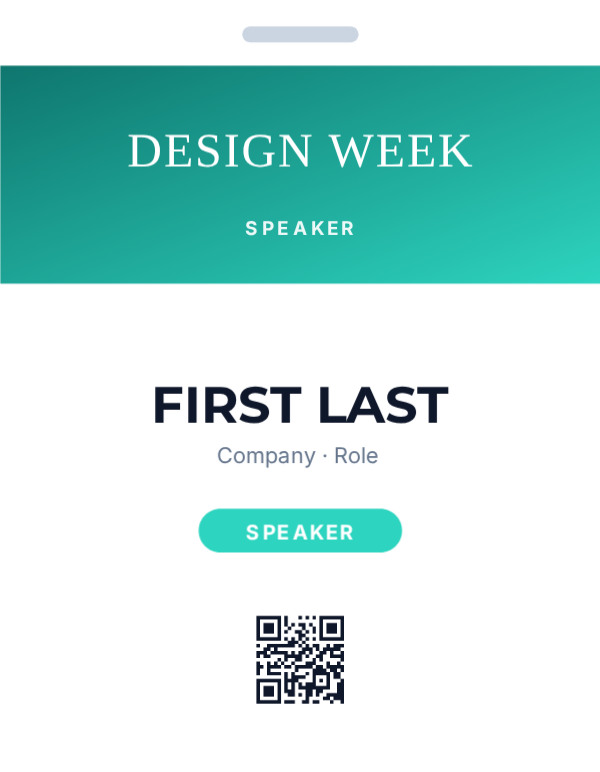
Certificates
Certificates of achievement, completion and excellence at A4, ready to print or share.
Everything you need to ship cards
A real editor, real templates, and real bulk generation, not a clip-art toy.
Figma-style editor
Drag, resize and recolor text, shapes, photos and QR codes on a real canvas, with custom fonts, gradients, shadows, smart snapping and alignment guides.
Ready-made templates
Start from professional school, corporate, event, medical and certificate designs, then make them yours in seconds.
Bulk from a spreadsheet
Upload a CSV and generate hundreds of personalised cards at once. Photos are matched by filename, so just drop in the photo folder, no pasting images into cells and no hosting.
Print-ready, front and back
Export crisp 2× PNGs or an A4 PDF with cut lines. For double-sided runs each back is paired behind its own front for duplex printing, at the correct CR80 size. Great for office and card printers.
QR codes & IDs
Add scannable QR codes and unique IDs to every card, great for verification, check-in and access.
Works in your browser
No installs, no design software. It all happens in your browser, so it’s fast and your data stays with you.
A design tool can't do this
Canva-style editors are great for one card. They fall apart at scale.
Generic design tools
- ✕ Make one card at a time, by hand
- ✕ Paste a photo into every spreadsheet cell by hand
- ✕ No CSV import, no QR/ID automation
- ✕ Wrong sizes for ID printers; no cut-line PDF; line up backs yourself
- ✕ Hours of work for a class or a company
StencilID
- ✓ Upload a CSV → every card generated at once
- ✓ Photos matched by filename, no pasting or hosting
- ✓ QR codes + unique IDs on every card
- ✓ Correct CR80 / A4 sizes + print-ready PDF with cut lines, fronts and backs paired for duplex
- ✓ A whole school or company in minutes
From blank to printed in 3 steps
No onboarding, no learning curve.
Pick a template or size
Choose an ID card, badge or certificate, or start from a ready-made template.
Customise on the canvas
Edit text, drop in your logo and photos, recolor, and add QR codes. What you see is what prints.
Export or bulk-generate
Download a print-ready PNG/PDF, or upload a CSV to make hundreds at once.
Hundreds of cards from one spreadsheet
Got a list of 300 employees or students? Upload your CSV, map the columns to your design, and StencilID generates every card, names, photos, QR codes and unique IDs, then hands you a ZIP and a print-ready PDF.
Try bulk generation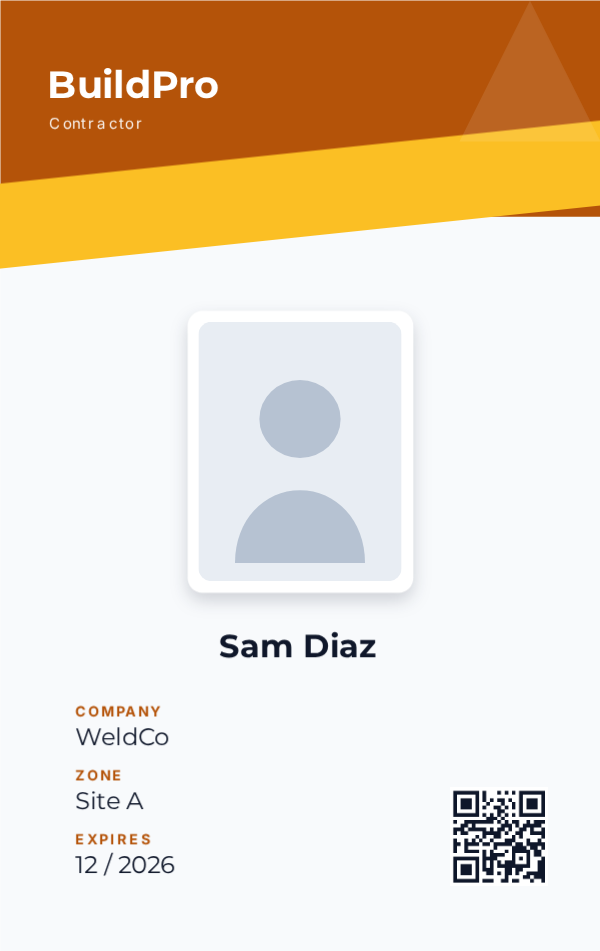

Simple pricing that scales
Start free. Buy a one-time card pack, or subscribe when you need ongoing bulk power.
These are early-user rates. Lock yours in now and keep it when prices rise after launch.
Free
- 3 saved projects
- Full editor: fonts, gradients, shadows
- Double-sided cards (front + back)
- Free templates · PNG export (2×)
Lite
or $50/yr, save $ 10 with annual
- 15 projects
- Bulk: 50 cards / batch
- 5 batches / month
- All templates, incl. Pro
- ZIP + print-ready PDF (front & back)
Pro
or $120/yr, save $ 24 with annual
- 100 projects
- Bulk: 200 cards / batch
- 30 batches / month
- All templates, incl. Pro
- Custom print layouts (1–9 per page)
Max
or $290/yr, save $ 58 with annual
- 1,000 projects
- Bulk: 500 cards / batch
- 100 batches / month
- All templates, incl. Pro
- Custom print layouts + priority
Just need cards once? Buy 100 card credits with no subscription. They never expire and work on any plan, including Free. Generate up to 100 cards whenever you are ready.
Annual billing saves 2 months · Cancel anytime · Secure checkout
Frequently asked questions
How does bulk generation work?
Upload a CSV (e.g. your employee or student list), map each column to a field on your card (name, role, ID, photo, QR code), and StencilID generates one personalised, print-ready card per row. You get back a ZIP of images and a print-ready PDF with cut lines.
How many cards can I generate at once?
Hundreds per batch, depending on your plan (50 to 500 cards per batch). Perfect for a class, a whole company, or an event’s entire attendee list.
Do I need any design skills?
No. Start from a ready-made template, change the text and colors, drop in a logo, done. The editor works like a simplified Figma: drag, click, type.
What can I create?
ID cards (CR80), staff badges and lanyards, event passes, and certificates (A4). Each has the correct print size built in.
How do I print them?
For a batch, download the print-ready A4 PDF with cut lines (works with print shops and office printers). For one card, export a crisp 2× PNG. Card printers work too.
Can I make double-sided cards?
Yes, add a back side and design it just like the front. You can export both sides, and for bulk runs the print-ready PDF lays fronts and backs out for duplex printing so each back lands behind its front.
Can I choose how many cards print per page?
Yes. On the Pro and Max plans you can pick a print layout, 1, 4, 6 or 9 cards per A4 page, to match your printer and card stock, with a live preview before you generate.
Is it really free to start?
Yes, the Free plan lets you design and export single cards with no time limit. Paid plans unlock bulk generation and more saved projects.
Do I need a subscription?
No. You can subscribe for ongoing bulk power, or buy a one-time $9 / 100-card pack. The pack gives you 100 card credits that never expire and work on any plan, including Free, so you only pay when you actually need to generate a batch.
Make your first card in two minutes
Free to start. No design skills, no installs, just open the editor and go.
Start free